Your own music, exactly as it was recorded.
AudioMe plays your hi-res and DSD library bit-perfect to a USB DAC, and sends the original files to the network players in every other room. One library, many zones, controlled from your phone or tablet.
AudioMe is in a non-public beta. Invitations go out in small groups.
Calm on the surface, serious underneath.
Your library in numbers, what came in lately, daily picks from your own shelves and a player bar with each track's waveform. The same interface on the Mac, in a browser and on a phone or tablet.
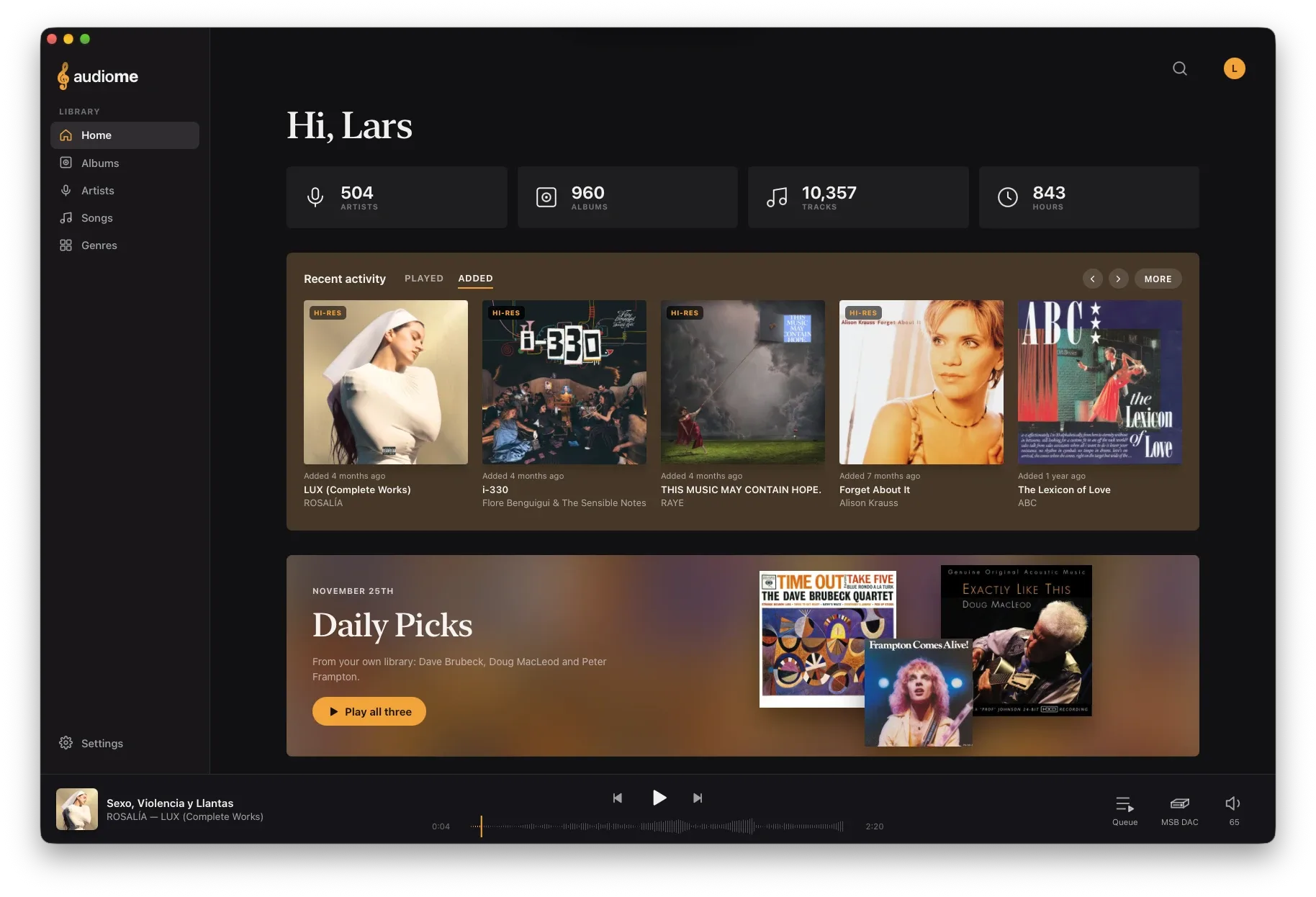
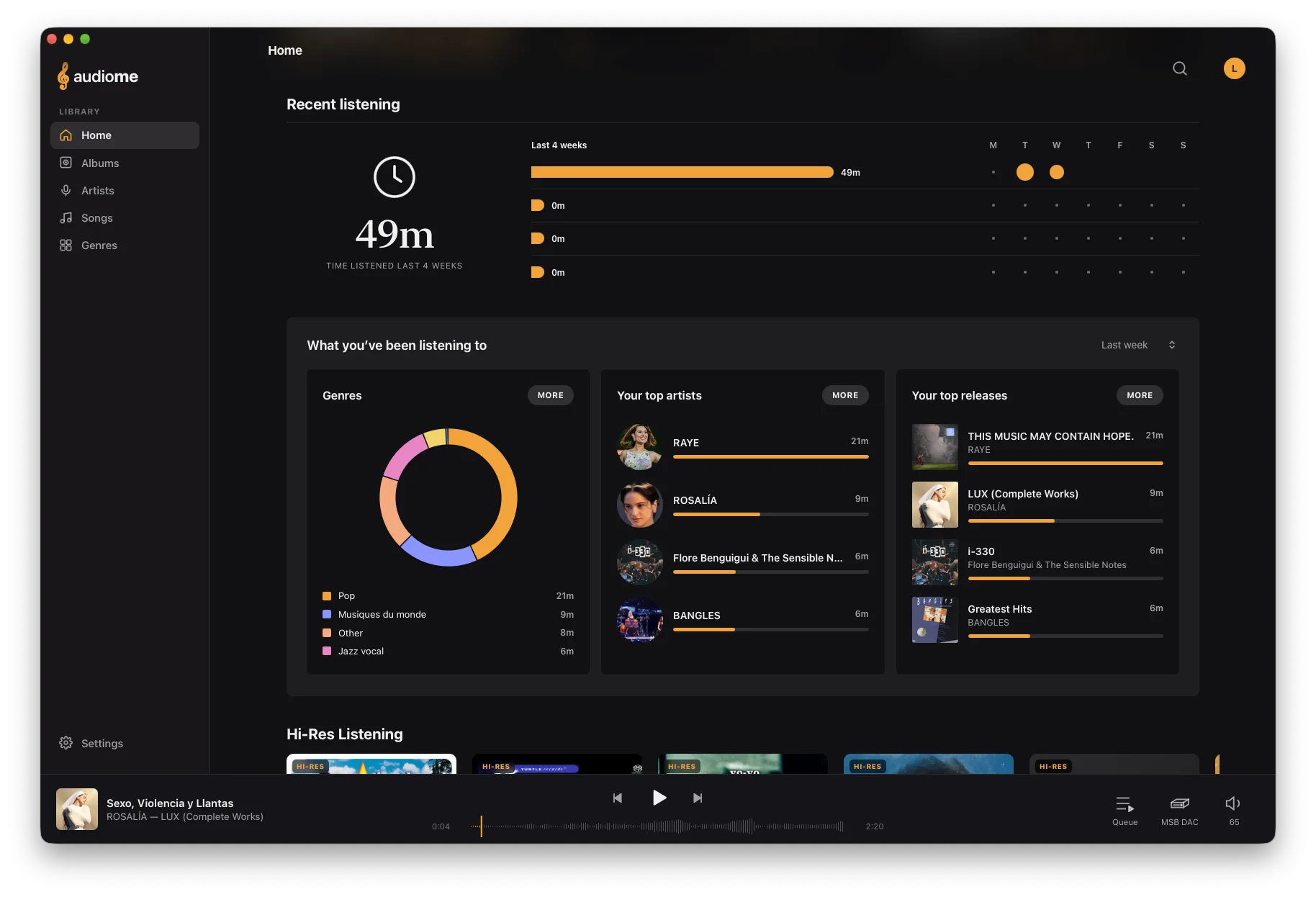
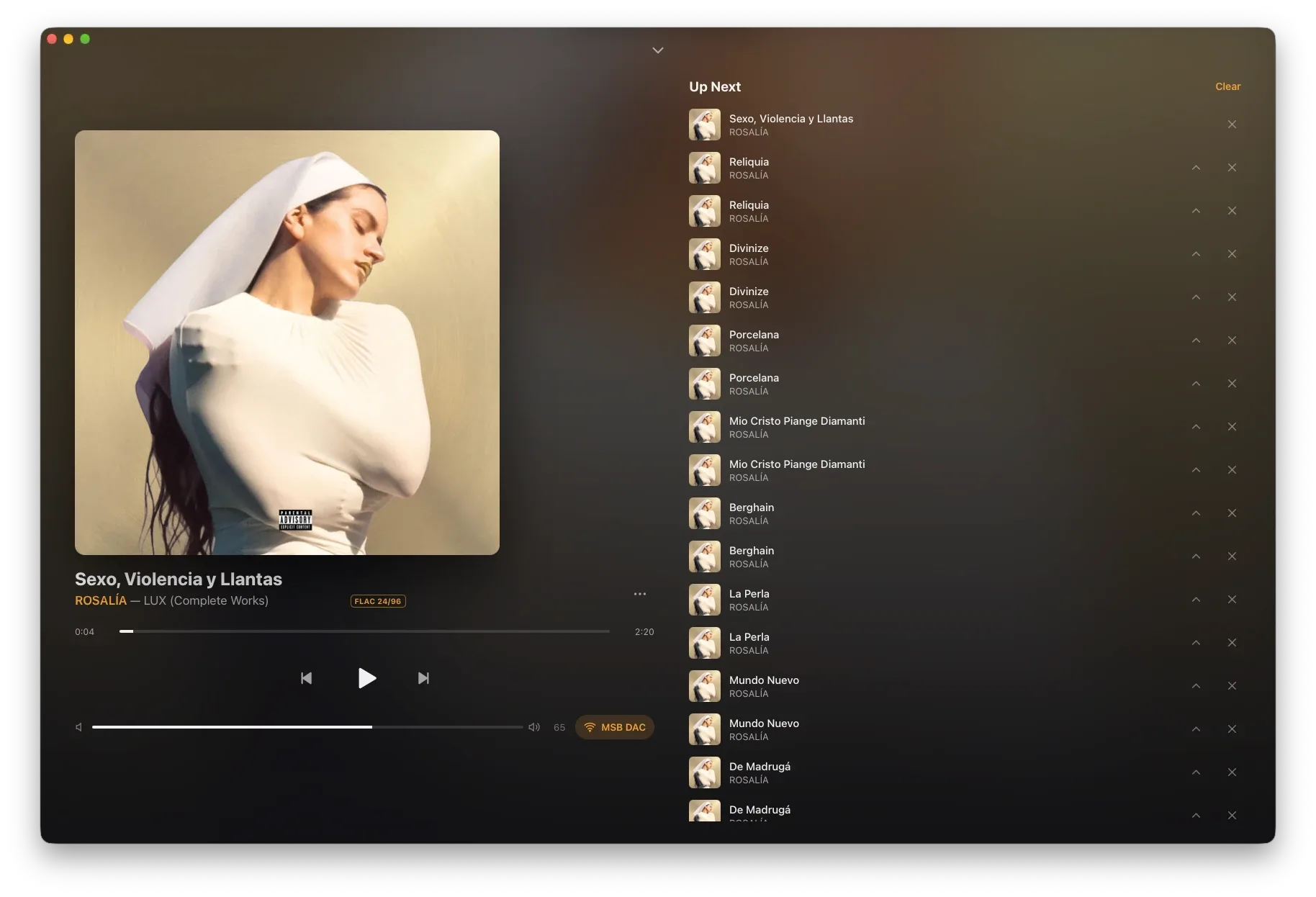
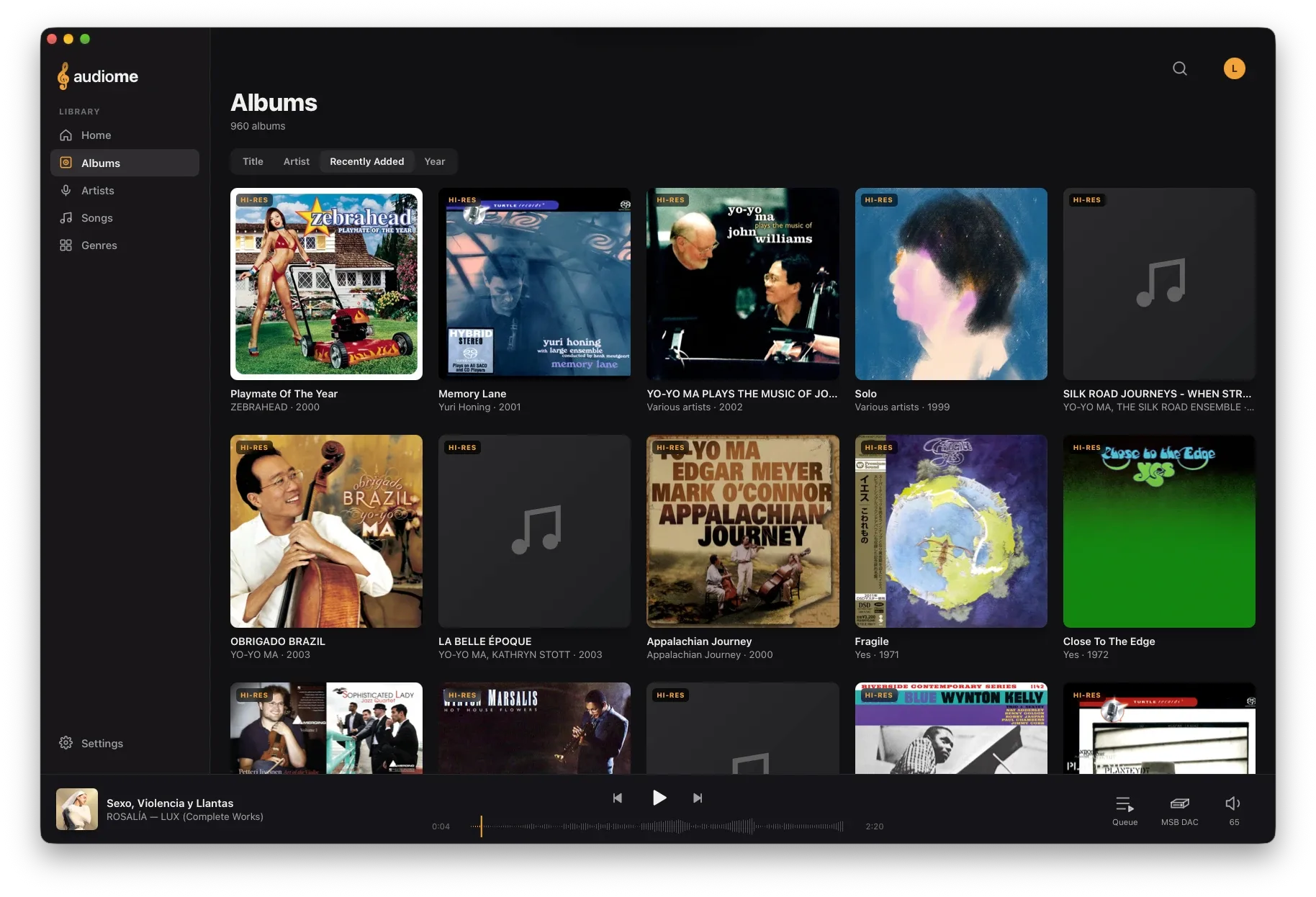
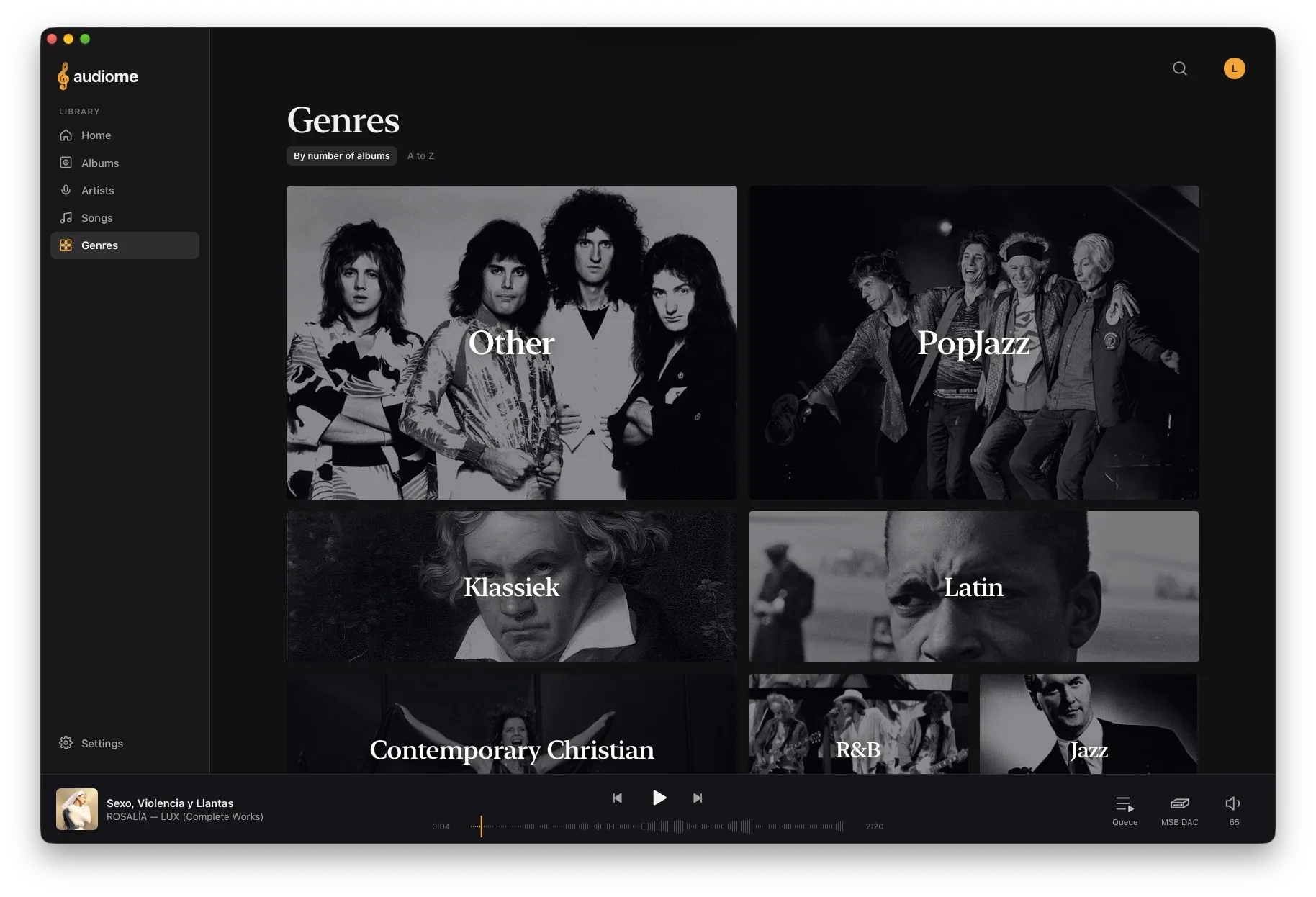
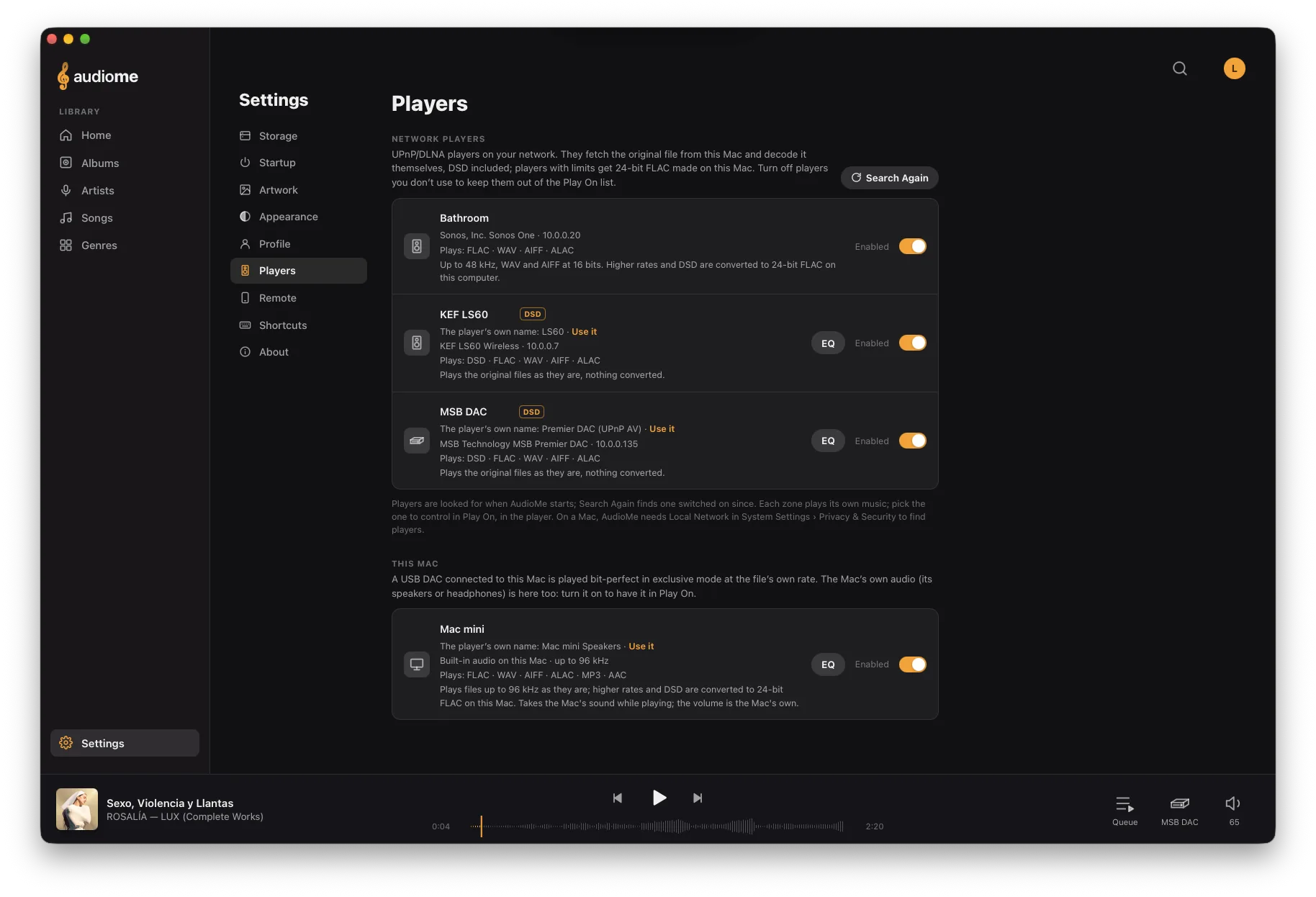
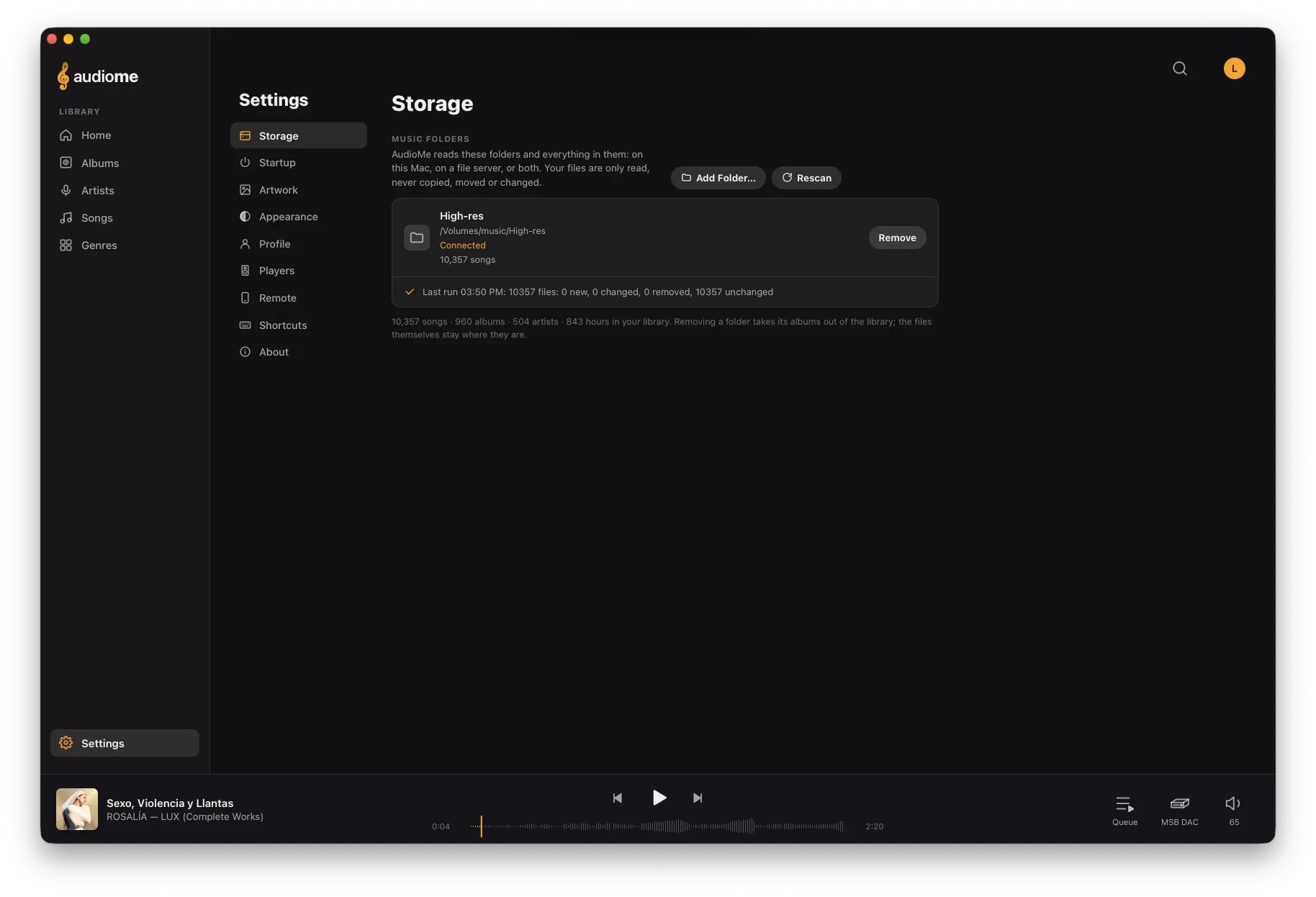
Two jobs, both done properly.
Most listeners have a computer by the hi-fi and streamers or active speakers elsewhere. AudioMe handles both from the same library.
Bit-perfect to your DAC
AudioMe decodes the file itself and hands it straight to the DAC, without the system mixer in between.
- The DAC follows each file's sample rate
- Exclusive access, so no system sounds are mixed in
- DSD64, 128 and 256 over DoP
- Gapless, even when the rate changes
The original file to network players
UPnP streamers, DACs and active speakers fetch the untouched file and decode it themselves.
- Players are found automatically
- Native DSD to players that take it
- Converted only when a player has limits, such as Sonos at 48 kHz
- Gapless where the player allows it
A zone for every room
Each room has its own queue, playback and volume, so the living room and the study can play different music at the same time.
A library worth browsing
Albums, artists and genres laid out like a magazine, artist photos, quality tags on every cover, a waveform for each track and your own listening statistics.
Sound correction per player
A parametric EQ, headphone presets, speaker setup and room correction filters from REW or Dirac Live. Switch it off and playback is bit-perfect again.
Control from the sofa
The same interface on the computer, in a browser and on a phone or tablet. Each device is paired once with a code.
Streaming services are on the way.
We are working with several streaming platforms on bringing their catalogues into AudioMe, so streamed albums sit next to your own files, in the same search, queues and zones.
We will name the services when the agreements are in place.
Until then
Many network players have Qobuz Connect or TIDAL Connect built in. You can stream from the service's own app to those speakers, and use AudioMe for your own library on the same speakers.
Built for how listeners actually set up.
Tested so far with iFi Pro iDSD (USB), KEF LS60, MSB Premier DAC and Sonos. See the player list →
Join the beta.
We are inviting a small group of listeners with different setups. Tell us about your computer, your players and your library, and we will get back to you.